Photo. Slip. Contact.
Staff snap a guest’s photo, a thermal printer hands them a branded slip with a QR code, and when they scan it to get the photo, their contact lands in your list. Or turn the form off and guests download the photo right away.
Rivera for Council
Eastside Block Party
SAT OCT 18 4:12 PM
Scan to get your photo
shotslip.com/p/EXAMPLE
Paid for by Rivera for Council
Example Scan it: it opens a sample claim page.
- 58 / 80 mmThermal slips from a cheap receipt printer: 80 mm over USB, 58 mm over Bluetooth, printed straight from Chrome.
- 1 tapFrom a printed slip to the next guest in line.
- 0 boothsNo kiosk, rental or ring light. A phone or laptop runs the whole thing.
One line from shutter to contact.
Four moments, a few seconds of staff time, and the guest does the typing later on their own phone.
Shutter
Staff take the photo in Chrome on a phone, tablet or laptop and print the slip. The shutter is big enough to hit one-handed in a crowd, and the next guest is one tap away.
Rivera for CouncilEastside Block Party 80 mm ready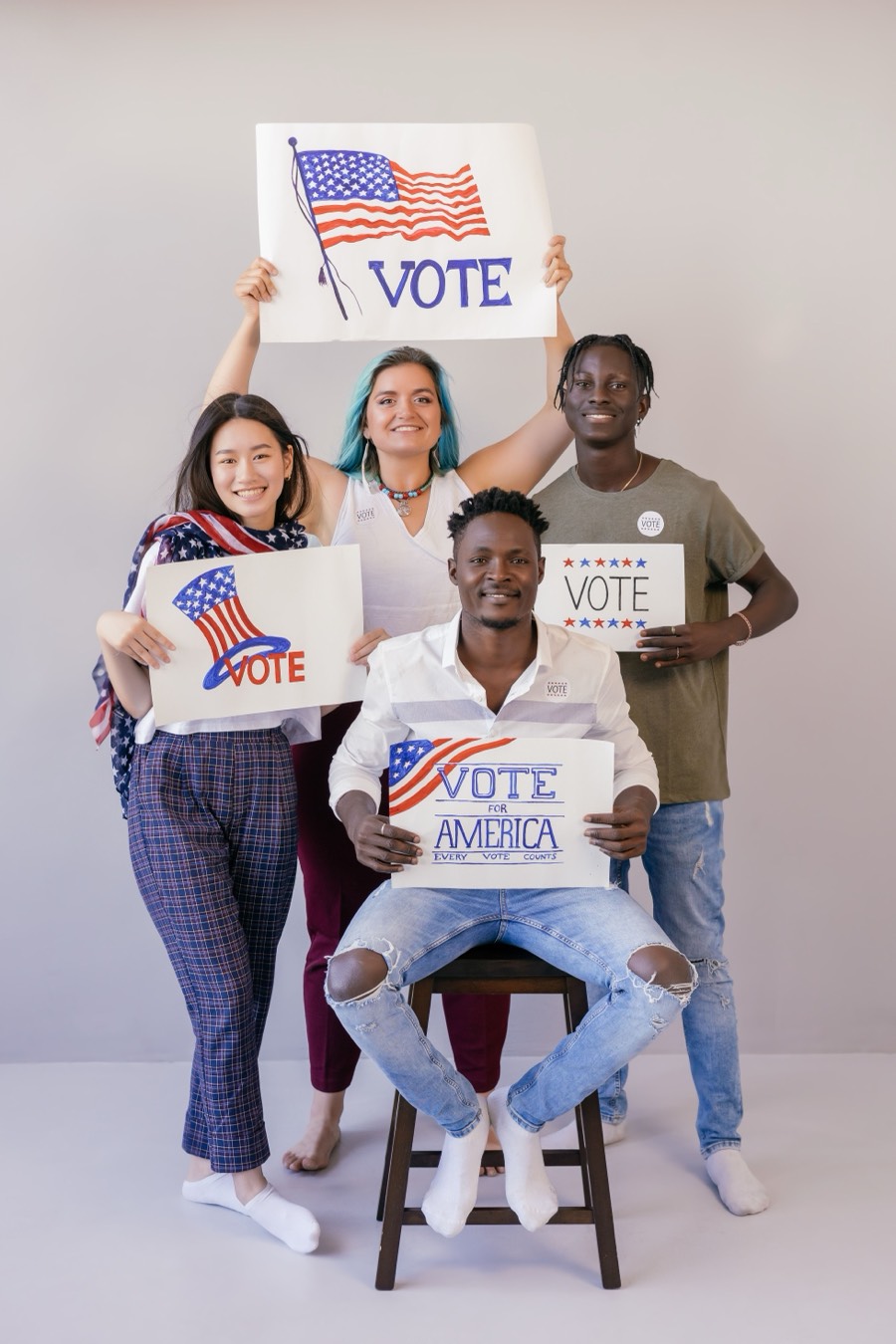 Example
Slip
A 58 or 80 mm thermal printer hands the guest a slip with the brand’s logo, a QR code and the legal line. They leave holding something with your name on it.
On iPhone, browsers can’t reach the printer, so the QR shows on screen for the guest to scan instead.
Rivera for Council
Eastside Block Party
SAT OCT 18 4:12 PM
Scan to get your photo
shotslip.com/p/EXAMPLE
Paid for by Rivera for Council
Scan
The guest scans the slip, sees the photo blurred, and leaves their name and email to unlock it. “Email me my photo” is on; marketing opt-in is a separate box that starts unchecked.
The photo arrives by email as an attachment, and downloads right there on the page.
Just want to hand out photos? Switch a brand to photo-only: no form, and the QR opens straight to the photo with a download button. With the form on, you choose whether phone and ZIP are required, optional or hidden for each brand.
Rivera for CouncilExampleFill in your details to get your photoFirst nameAnaLast nameTorresEmailana@example.comEmail me my photoSend me campaign news from Rivera for CouncilGet my photoPaid for by Rivera for CouncilContact
The contact lands in that brand’s list with the event it came from and whether they opted in. Export it as CSV whenever you need it.
Rivera for Council Contacts
Example contacts for a fictional campaign Name ZIP Opt-in Event Claimed Ana TorresNewana@example.com 78539 No Eastside Block Party 4:19 PM Marcus Webbmarcus.w@example.com 78541 Yes Eastside Block Party 4:07 PM Lena Ortizlortiz@example.net 78504 Yes Eastside Block Party 3:58 PM Example data Names and emails are made up.
One account. Every brand you run.
Run several candidates or clients from one sign-in. Each brand gets its own logo, colors, slip, legal line, claim email and contact list, and staff only see the brands you assign them.
- Rivera for CouncilCollects contacts
Rivera for Council
Eastside Block Party
SAT OCT 18 4:12 PM
Scan to get your photo
shotslip.com/p/EXAMPLE
Paid for by Rivera for Council
- Northside Food FestCollects contacts, opt-in for offers
Northside Food Fest
Sampling tent, Gate B
SUN OCT 19 1:30 PM
Scan to get your photo
shotslip.com/p/EXAMPLE
- Harbor Literacy GalaPhoto only, no form
Harbor Literacy Gala
Pier 9 Ballroom
FRI OCT 24 8:05 PM
Scan to get your photo
shotslip.com/p/EXAMPLE
Thank you for reading with us
Examples All three brands are made up. Slips print in black on thermal paper; each brand’s colors carry onto its claim page and email.
- Contact lists stay per brand and are never pooled.
- CSV export, one brand at a time.
- A “Paid for by” line on every slip, claim page and email when the brand needs one.
Wherever people line up for a photo.
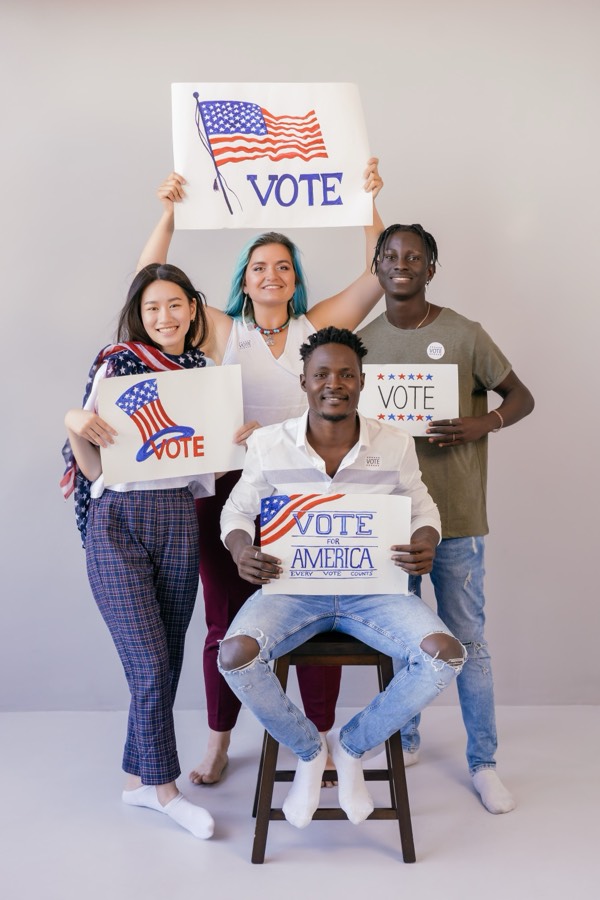 Campaign rally
 Bridal party
 Graduation
 Birthday
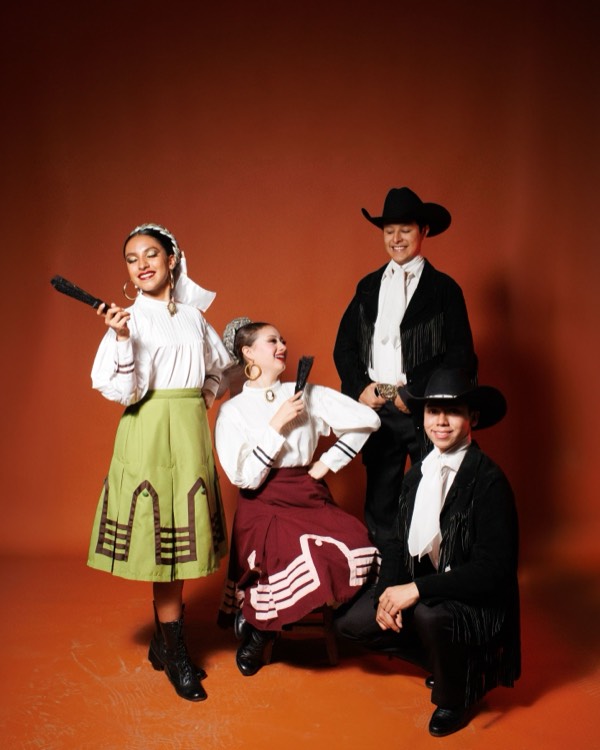 Folklórico night
 Brand pop-up
Political campaigns
Rallies, town halls and canvass kickoffs. Every slip, claim page and email carries the "Paid for by" line, and each candidate keeps a separate list. More on political campaigns
Brand activations
Pop-ups, sampling tents and sponsor booths. The guest walks off holding your brand, and the QR brings them back to you. More on brand activations
Nonprofits
Galas, drives and community days. Guests get their photo; you get supporters who chose to hear from you. More on nonprofits
Private events
Weddings, parties and reunions. Switch on photo-only mode and guests skip the form entirely. More on private events
What you need
- A phone, tablet or laptop with Chrome.The same device takes the photo and drives the printer.
- A thermal receipt printer.80 mm over USB, or 58 mm over Bluetooth, with paper rolls to match.
That’s the whole kit. On iPhone and iPad, browsers can’t connect to receipt printers, so ShotSlip shows the slip’s QR on screen for the guest to scan until the native app is ready. No printer at all? Let the guests take the photos.
No printer? No problem.
Turn on crowd mode and your guests become the photographers. One QR code, every phone in the room, and one shared album at the end of the night.
- Put up one QR codePrint the event poster from your dashboard, tape it by the door, or just hold up a phone. No receipt printer, no one stuck behind a camera.
- Guests shoot and shareThey scan with their phone camera, confirm their email with a code, and add photos straight from the browser. Nothing to install.
- Everyone gets every photoThe whole party lands in one album guests can browse and download for up to 30 days. Put the live slideshow on the venue TV.
- You set how many photos each guest can add.
- Approve photos before they show, or let them go live.
- Guests who sign in join your contact list, same as a claimed slip.
Sofia’s Quince
Add your photos
Scan with your camera, or go to
shotslip.com/e
Code EXAMPL
Questions
Do we need a printer?
Not with crowd mode. Put up the event’s QR code (on a printed poster or a phone screen) and guests add their own photos to a shared album from their phone’s browser. Everyone can browse and download the album for up to 30 days, and you can play it as a slideshow on a TV.
Can staff print from an iPhone?
Yes, with the ShotSlip mobile app (in beta), which prints to Bluetooth LE thermal printers. In a browser, printing works from Chrome on a laptop (USB) or an Android phone (Bluetooth); iPhone and iPad browsers can’t reach printers, so they show the QR on screen for the guest to scan.
Does it work without internet?
In the ShotSlip mobile app, yes. Without signal it keeps shooting and printing slips with working QR codes, and uploads the photos by itself when it’s back online. Guests who scan early see that their photo is on its way.
Who owns the contacts?
You do, brand by brand. Each brand has its own contact list, lists are never pooled across brands, and you can export any brand’s list as CSV.
How does consent work?
Asking for the photo by email is one checkbox, and it’s on, because that’s what the guest came for. Marketing opt-in is a separate checkbox with your own wording, and it always starts unchecked. Each contact records whether they opted in.
Can guests get the photo without filling in a form?
Yes. Set a brand to photo-only and the QR goes straight to the photo with a download button. Useful for weddings and private events.
How do we get started?
Book a demo. We walk you through capture, printing and the claim page, then set up your account and first brands with you and invite your team. There’s no self-serve signup.
What does it cost?
Contact us. Pricing depends on how many brands and events you run, and we’ll go through it on the demo call.
See it print before your next event.
Book a demo and we’ll print a slip, claim a photo and walk through the contact list with you. Then we set up your account and brands.
Book a demo